
Global Teleradiology
Radiology workstation background
Windows receiver installer

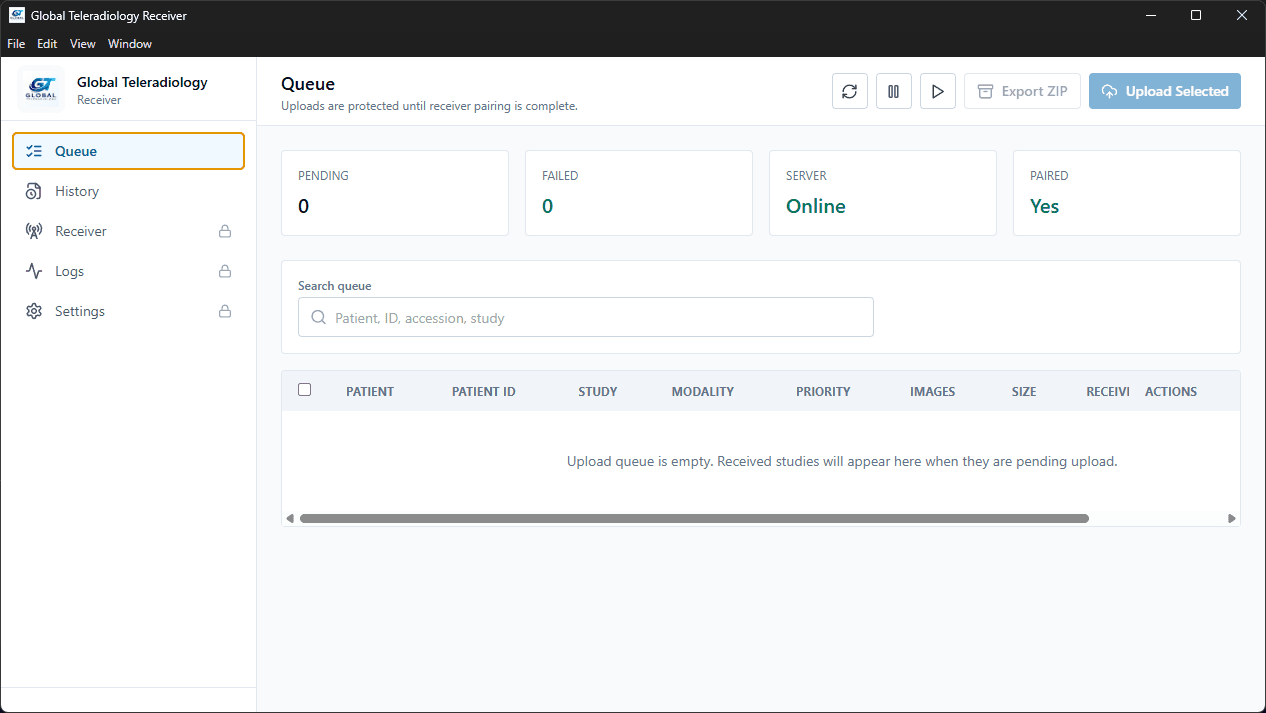
Global Teleradiology DICOM Receiver

Install the receiver on the imaging-center PC, accept DICOM studies locally, review patient details, and upload cases into the Global Teleradiology technician workflow.

Download the Windows installer
Run the setup file on the receiver PC
Pair the app from the technician page
Send a test DICOM study from the console
Receiver running

Queue

Studies waiting for upload

Export ZIPUpload selected
Search patient, study, accession, or date

RAJESH SHARMA

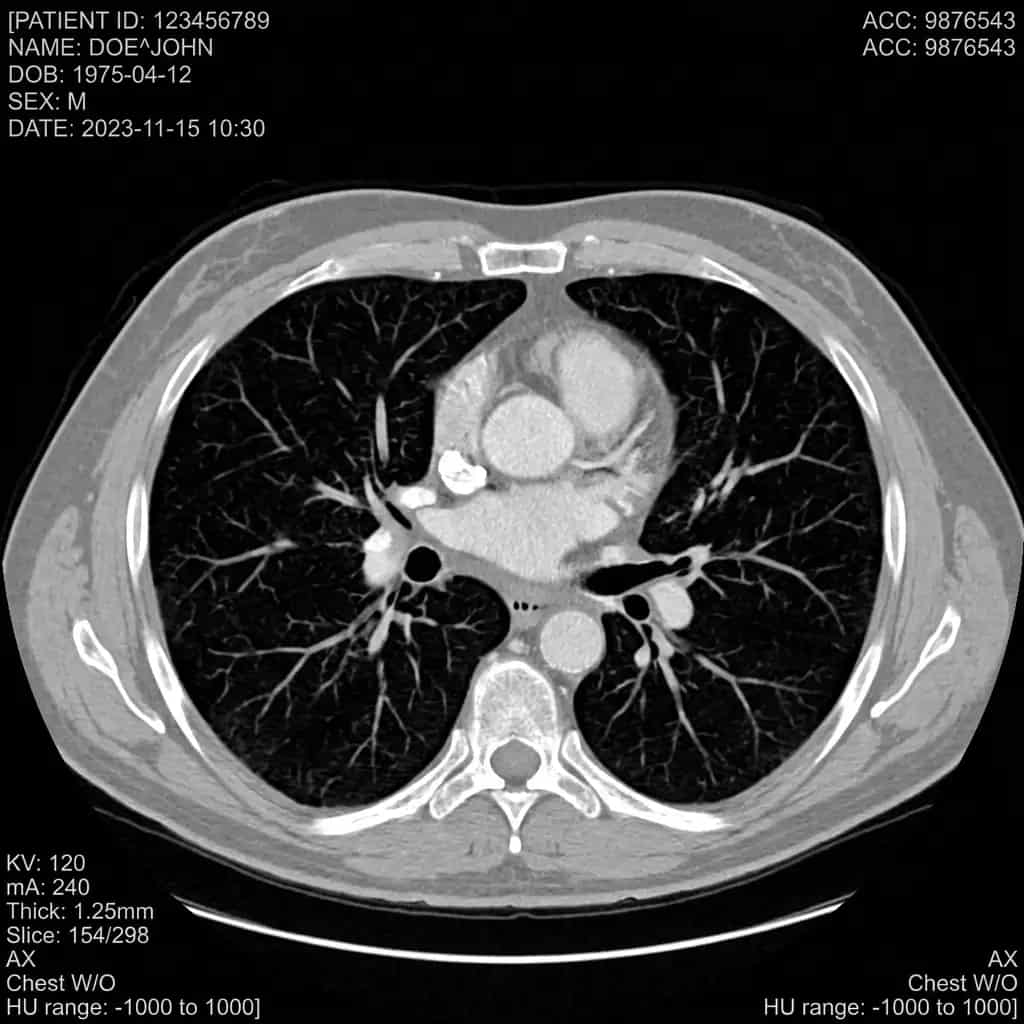
CT Chest · 184 images · Local DICOM storage

Ready

MEERA KAPOOR

MRI Brain · 96 images · Local DICOM storage

Edited

ANIL VERMA

X-Ray Knee · 4 images · Local DICOM storage

Queued

12

Received today

09

Uploaded

03

Ready to export

What technicians get

A local receiver built around the real case workflow.

The app keeps received, uploaded, failed, and re-uploadable studies organized locally, so restart cycles do not move completed cases back into the queue.

Receives from console

Works as a local DICOM receiver for studies sent from imaging machines.

Technician review

Patient name, study type, and clinical history can be checked before upload.

ZIP fallback

Cases can be exported as ZIP files from queue or history when manual upload is needed.

Protected controls

Receiver, logs, and settings stay behind super admin access.

Receiver PC

Use a stable Windows PC on the same network as the imaging console. Static IP status is visible inside the receiver.

Website pairing

Generate a fresh pairing code from the technician page whenever a receiver needs to reconnect.

Installer updates

Replace the installer file on the website server and the download button will serve the new setup package.